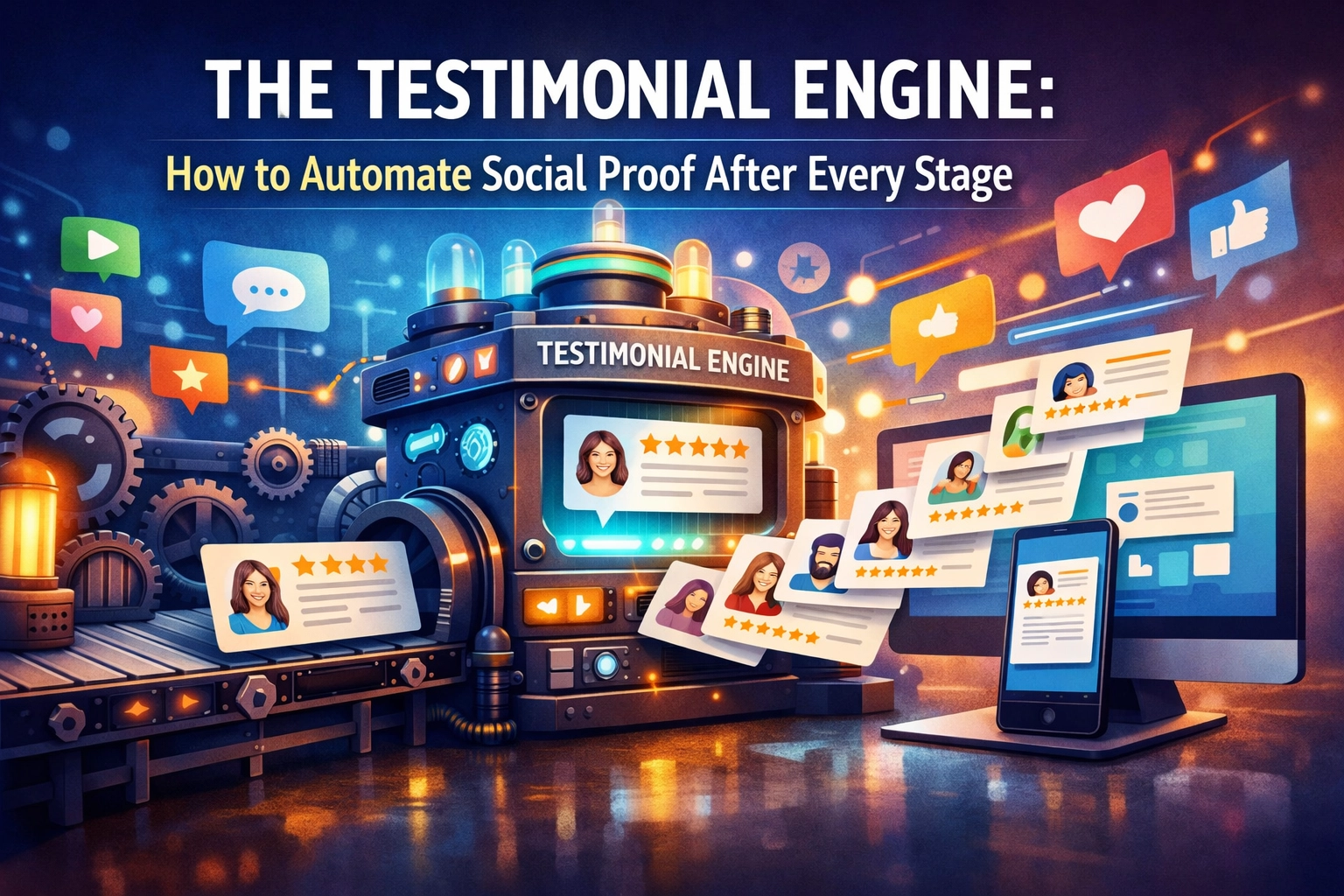
The Testimonial Engine: How to Automate Social Proof After Every Stage
You just walked off the stage. The applause is still ringing in your ears, your adrenaline is spiking, and a line of people is forming at the edge of the platform to tell you how much your talk changed their perspective. This is the "golden hour."
But then, you go back to the hotel. You fly home. You get busy with the next project. Two weeks later, you realize you didn't get a single recorded testimonial from that event. You send a desperate, slightly awkward email to the event organizer: "Hey, any chance you could send over some feedback or a quote?"
They’re busy. They don't reply. Or worse, they send back a generic: "Everyone loved it! Thanks again!"
That’s a nice pat on the back, but it’s not a Testimonial Engine. It’s not something you can put on a sales page to land a $20k gig.
If you want to scale your influence as a speaker, author, or consultant, you have to stop "asking" for testimonials and start "collecting" them automatically. You need a system that works while you’re at the airport bar or sleeping off the jet lag.
Why Social Proof is Your Most Underutilized Asset
In the world of speaking and professional coaching, your reputation is your currency. But here's the kicker: what you say about yourself is marketing. What others say about you is the truth.
Most speakers treat social proof like an afterthought. They wait until they need to update their website to go hunting for quotes. By then, the emotion of the event has faded. The specific, punchy details that make a testimonial great have been replaced by vague pleasantries.
To build a real "Business Blueprint," we need to automate the request, the collection, and the organization of this proof. We want a "Wall of Love" that grows every time you step on a stage, without you having to lift a finger after the mic drop.
Step 1: The "Instant Ask" (Capturing Heat)
The best time to get a testimonial isn't two weeks after the event: it’s two minutes after you finish. This is when the "post-stage high" is at its peak.
The QR Code Strategy
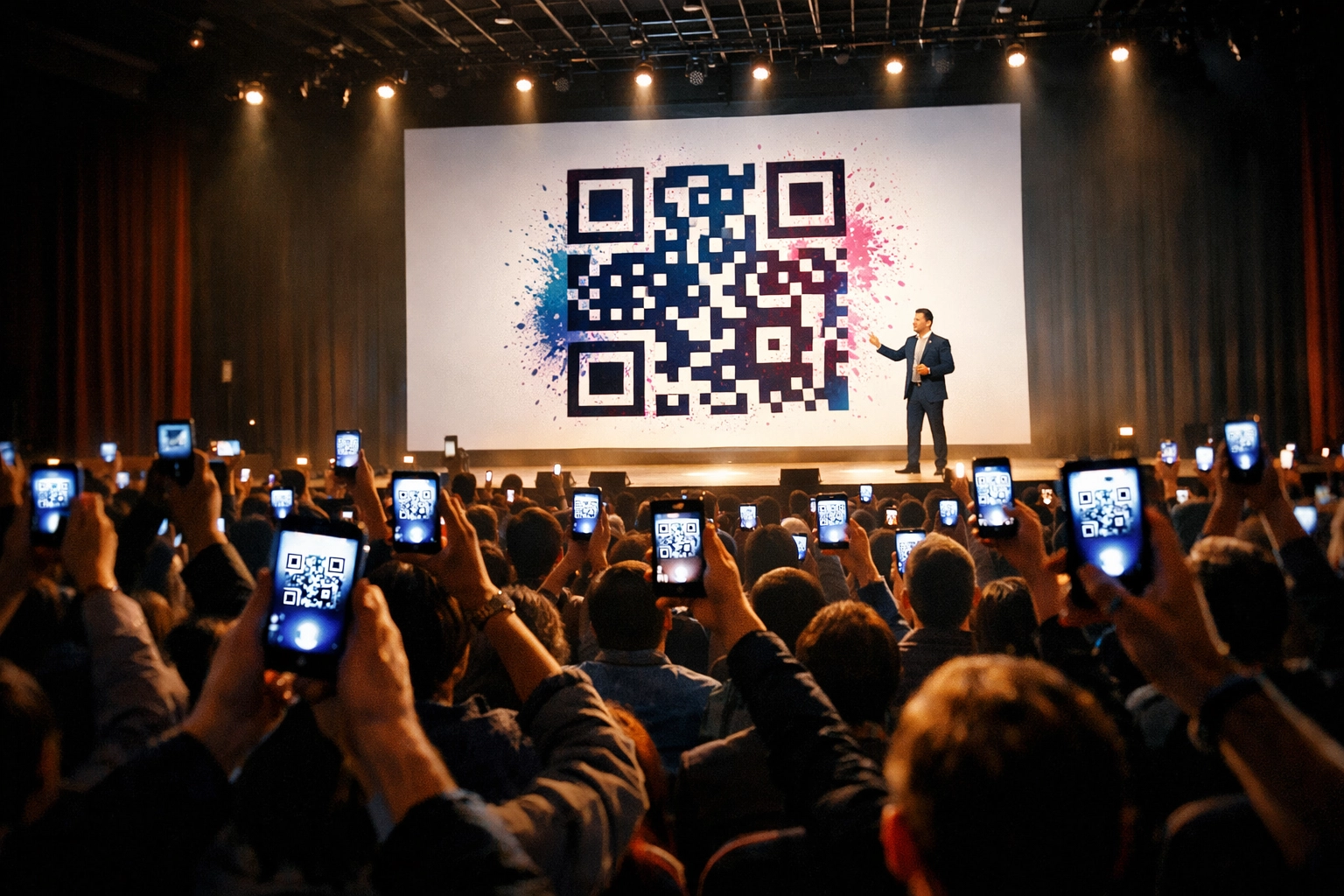
Every presentation you give should end with a "Thank You" slide, but not just any thank you slide. It should feature a large, high-contrast QR code.
Instead of saying, "Follow me on LinkedIn," say this:
"I’d love to hear your biggest takeaway. If you have 30 seconds to share what resonated most, scan this code. It helps me get better at serving audiences like you."
This QR code shouldn't just go to your website homepage. It needs to go to a Testimonial Capture Page.
The Capture Tool
Using tools like Senja, VideoAsk, or Shapo, you can create a simple mobile-friendly page that asks for two things:
- A star rating.
- A text or video response.
Video is the holy grail. An authentic, slightly shaky smartphone video recorded in the back of a ballroom is worth ten times more than a polished, written quote on a website. It shows real emotion and real people.
Step 2: Automating the Organizer Follow-Up
While the audience provides the volume, the event organizer provides the authority. You need their testimonial for your "Speaker One-Sheet."
The problem? Organizers are stressed. During the event, they’re putting out fires. After the event, they’re crashing.
This is where your CRM (Customer Relationship Management) tool comes in. Whether you use HubSpot, Pipedrive, or a simple Zapier sequence, you should have a "Post-Event" automation triggered by the date of your gig.
The Workflow:
- Day +1: An automated "Thank You" email goes to the organizer. No ask yet. Just gratitude and a mention of how great the crowd was.
- Day +3: The "Value Exchange" email. "Hey [Name], I'm putting together a summary of the impact we made. If you could give me a 2-sentence blurb on the ROI of my session, I'd love to feature [Event Name] on my site."
- The Link: Direct them to a specific form that asks questions that lead to a good testimonial, like: "What was the most common feedback you heard from attendees regarding my keynote?"
Step 3: Filtering for the "Faving Fans"
Not every piece of feedback is gold. Some people just want to vent, and others give "okay" reviews. Your automation should act as a filter.
Using a Net Promoter Score (NPS) style automation is a pro move.
- Send a simple email: "On a scale of 1-10, how likely are you to recommend my workshop to a colleague?"
- Logic Jump: If they click 9 or 10, the next page automatically asks: "That's awesome! Would you mind recording a 30-second video explaining why?"
- If they click 1-6, the next page asks: "I’m sorry I didn't hit the mark. What’s one thing I could have done better?"
This ensures your "Testimonial Engine" only pumps out high-quality, positive social proof for public display, while feeding you constructive criticism privately.
Step 4: The Storage and Organization Vault
If your testimonials are scattered across LinkedIn, random emails, and Instagram DMs, they are useless. You can't find them when a big-name event planner asks for references.
You need a central repository. When someone submits a testimonial via your capture tool, use Zapier or Make.com to send that data to three places:
- A "Wall of Love" on your website: Tools like Senja or Trustmary can automatically embed new 5-star reviews onto your site the moment they are approved.
- A Google Sheet or Airtable: This is your searchable database. Tag them by topic (e.g., "Leadership," "AI Strategy," "Future of Work").
- A Slack/Discord Channel: Get a notification every time a new testimonial comes in. It’s a great morale booster for you and your team.

Step 5: Leveraging AI to Polish the Proof
Raw testimonials are great, but sometimes they need a little haircut. Maybe a video has 10 seconds of "umms" and "ahhs" at the start, or a written quote is three paragraphs long when you only need one punchy sentence.
AI is your editor here.
- Transcription: Use AI tools to automatically transcribe video testimonials.
- Summarization: Feed a long transcript into an AI model (like the ones we use here at The Lab) and ask: "Extract the single most impactful sentence from this testimonial that highlights the ROI of my AI strategy session."
- Content Creation: Turn a video testimonial into a "Social Proof Card" for Instagram or LinkedIn using automated design tools like Canva’s Bulk Create or BannerBear.
Scaling Without the Hustle
The goal of the Testimonial Engine is to remove you from the process. As a Speaker or Author, your job is to stay in your "Zone of Genius": which is creating and delivering world-class content. Your job is not to be a professional nudger who spends Friday afternoons chasing down quotes.
When you automate social proof, you’re building an asset that grows in value over time. Each new testimonial makes the next sale easier. Each video clip makes your speaker reel more convincing.

Your Action Plan for Monday Morning:
- Pick a Capture Tool: Sign up for something like Senja or VideoAsk.
- Create Your QR Code: Link it to your capture page and put it on your final slide deck.
- Set Up One Automation: Create a "Post-Event" email trigger in your CRM or via Zapier.
- Stop Asking, Start Systematizing: Every time you finish a gig, remind the audience about the link. Let the "Engine" do the rest.
Social proof shouldn't be a chore. It should be a byproduct of the great work you're already doing. By building this engine, you ensure that every time you leave the stage, the impact of your message continues to work for you, long after the lights go down.
Ready to automate more of your business? That’s exactly what we do at The Stage & Page AI Lab. We help experts turn their knowledge into systems that scale. Let's get to work.