
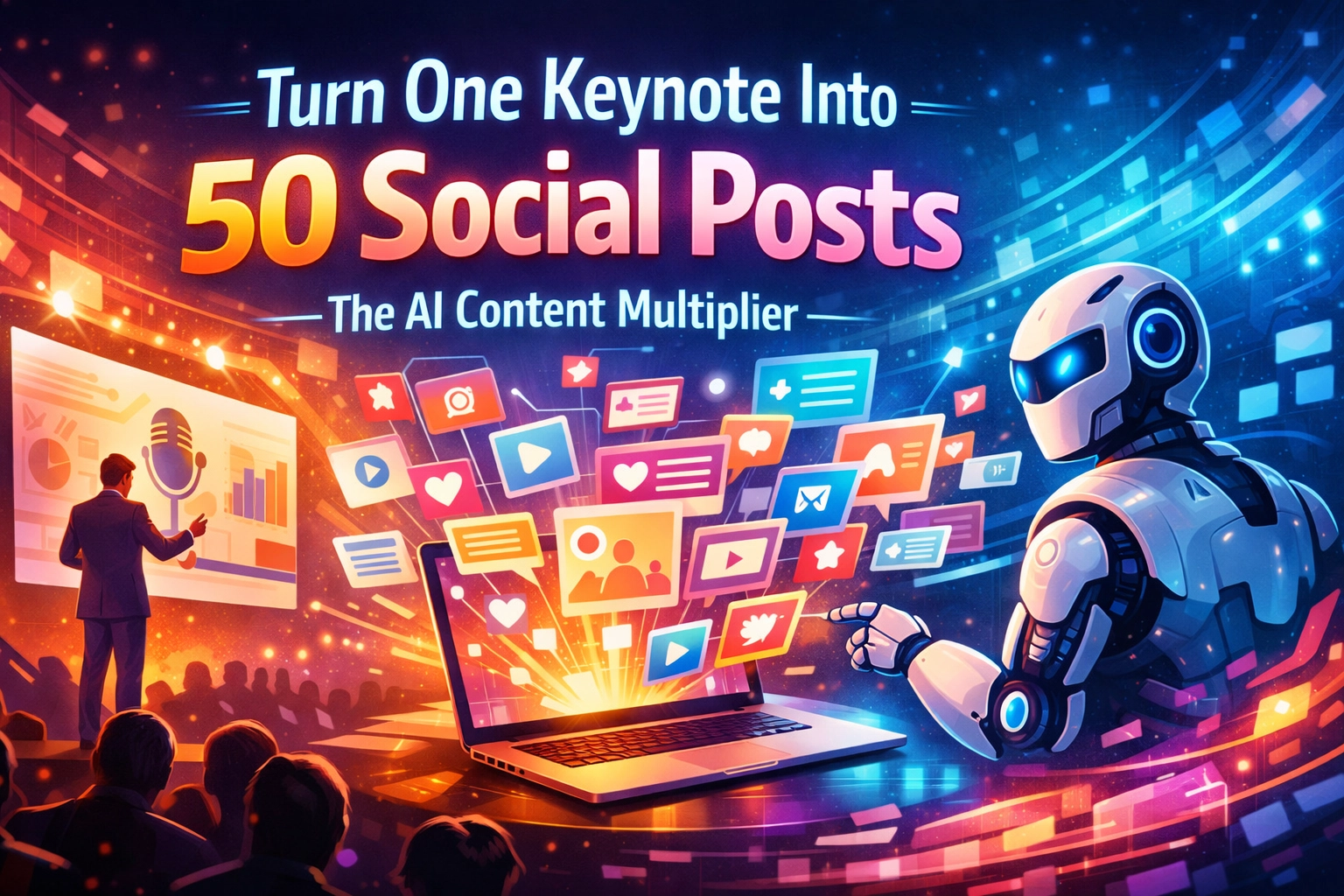
Turn One Keynote Into 50 Social Posts: The AI Content Multiplier
Let’s be real for a second. You just walked off stage. The applause was great, the energy was high, and you absolutely crushed that 45-minute keynote. You’ve got a high-quality recording sitting on a hard drive somewhere, or maybe it's just a link in your email.
Now comes the "work."
Usually, this is where most speakers and authors stall out. You know you should be posting on LinkedIn, Instagram, X (Twitter), and TikTok. You know that one presentation contains enough wisdom to fuel your social media for a month. But the thought of sitting down, re-watching your own face for an hour, and manually clipping highlights makes you want to go back to bed.
In the old days, like, two years ago: repurposing content was a full-time job or an expensive agency bill. Not anymore.
Welcome to the era of the AI Content Multiplier. I’m going to show you the exact math and the simple mechanics of how we turn a single recorded keynote into 50+ pieces of high-quality social content without breaking a sweat. This is about efficiency over effort.
The Problem: The "One and Done" Trap
Most speakers treat a keynote like a disposable product. You deliver it, and it's gone. But in the digital age, your stage time is actually "raw material."
If you aren't multiplying that content, you’re leaving money and influence on the table. The goal isn't just to be a speaker; it's to be an authority. And authority is built through consistent visibility.

The Math: How 1 Becomes 50
People always ask me, "John, how do you get to 50? That sounds like a lot of fluff."
It’s actually not. When you break a 45-minute talk down into its smallest "value units," the numbers add up fast. Here is the breakdown of a typical AI Multiplier session:
- 5 High-Impact Video Shorts: (TikToks, Reels, LinkedIn Videos) focusing on your best stories or "mic drop" moments.
- 10 Quote Cards: Single, punchy sentences that summarize your core message.
- 10 LinkedIn "Insight" Posts: Short-form essays (200-300 words) that expand on a specific point from the talk.
- 15 X (Twitter) Posts/Threads: Quick tips, contrarian takes, and "how-to" steps extracted from your slides.
- 5 Newsletters or Blog Articles: Deeper dives into the five main sections of your speech.
- 5 "Behind the Scenes" or Context Posts: Using photos of you on stage combined with AI-generated captions about the experience.
Total: 50 pieces of content.
All from one speech. All from one afternoon of "engineering" rather than "creating."
Step 1: The Master Transcript (Your Digital Goldmine)
You can't multiply what you can't search. The first step is to take your video file and run it through an AI transcription tool.
Don't settle for the basic "closed captions" that YouTube provides. Use a high-fidelity AI like Whisper or Descript. You need a clean, timestamped transcript. This transcript is the "DNA" of your 50 posts.
Once you have the text, you don't even have to read the whole thing. You feed that transcript into an LLM (Large Language Model) with a specific prompt: "Identify the 10 most provocative, controversial, or inspiring statements in this text."
Boom. You just found your 10 quote cards in three seconds.

Step 2: Finding the "Hooks" with AI
The hardest part of social media is the hook: that first sentence that stops the thumb from scrolling.
AI is incredibly good at identifying hooks within a long-form transcript. Instead of you guessing what might work, you can ask the AI to analyze the transcript for "high-retention moments."
We use a workflow where the AI looks for:
- The Problem/Solution Gap: Where you described a pain point and gave the answer.
- The Pattern Interrupt: When you said something the audience didn't expect.
- The Narrative Peak: The climax of your best story.
These become your 5 High-Impact Video Shorts. You use tools like OpusClip or Munch to automatically find these timestamps and crop the video into a vertical format with captions already burned in. Efficiency, remember?
Step 3: Platform Adaptation (The "No Copy-Paste" Rule)
One of the biggest mistakes people make is posting the exact same thing on every platform. LinkedIn is a professional networking event; TikTok is a backyard BBQ. You can't talk to them the same way.
This is where the "AI Multiplier" really shines. You take one core idea from your keynote: let's say it's "The Future of AI in Leadership": and you ask the AI to rewrite it for three different "vibes":
- For LinkedIn: "Write a 3-paragraph post focusing on the ROI of AI leadership, using a professional yet conversational tone. End with a question to drive comments."
- For X (Twitter): "Turn this concept into a 5-part thread. Use short, punchy sentences and plenty of white space. Focus on 'the 3 things leaders are getting wrong'."
- For Instagram: "Create a short, inspiring caption that fits under a photo of me on stage. Focus on the emotional shift the audience felt."
You are using the same "raw material" (your keynote), but the AI is tailoring the "packaging" for each audience.

Step 4: Batching the Visuals
Now that you have the text for your 50 posts, you need the visuals.
Using tools like Canva’s "Bulk Create" or Piktochart, you can take your 10 quote cards and 15 tips and instantly flow them into branded templates.
In the old days, you’d have to manually type each quote into a graphic design tool. Now? You upload a CSV file (which the AI generated for you from the transcript), click a button, and you have 25 ready-to-post graphics in your brand colors and fonts.
This isn't just "faster." It's a different way of existing as a creator. You're no longer stuck in the weeds of design; you're the creative director of your own brand.
Step 5: Scheduling the Multiplier
The final piece of the puzzle is distribution. If you post all 50 pieces in one week, you’ll annoy everyone. If you post them over two months, you’ll stay top-of-mind without ever having to step back in front of a camera.
We recommend a "Pillar and Post" schedule:
- Monday: High-impact video clip.
- Tuesday: Insightful LinkedIn post.
- Wednesday: Quote card.
- Thursday: X Thread.
- Friday: Behind-the-scenes photo/story.
Repeat this for 10 weeks, and you have a full quarter of content from a single 45-minute speech.

Why Efficiency Wins Every Time
At The Stage & Page AI Lab, we preach one thing: Protect your creative energy.
As a speaker or author, your most valuable asset is your ideas. If you spend all your energy struggling with video editing software or staring at a blank cursor trying to write a tweet, you won't have the energy to come up with your next big idea.
The AI Content Multiplier isn't about "phoning it in." It’s about ensuring that the hard work you already did on stage reaches the maximum number of people. It's about making sure your message doesn't die when the microphone turns off.
Ready to Multiply?
The math is simple. The mechanics are available to anyone with an internet connection. The only thing missing is the system.
Stop looking at your keynote as a one-time event. Start looking at it as the engine for your entire digital presence. You’ve already done the hard part: you spoke the words. Now, let AI do the heavy lifting of making sure the world hears them.
If you’re ready to stop working so hard on your content and start letting your content work for you, it’s time to build your own AI Lab.
Let's get to work.